What Is an Antidetect Virtual Machine? Antidetect VM vs Antidetect Browser
What an antidetect virtual machine is, how it differs from an antidetect browser, and how to choose for multi-account work.
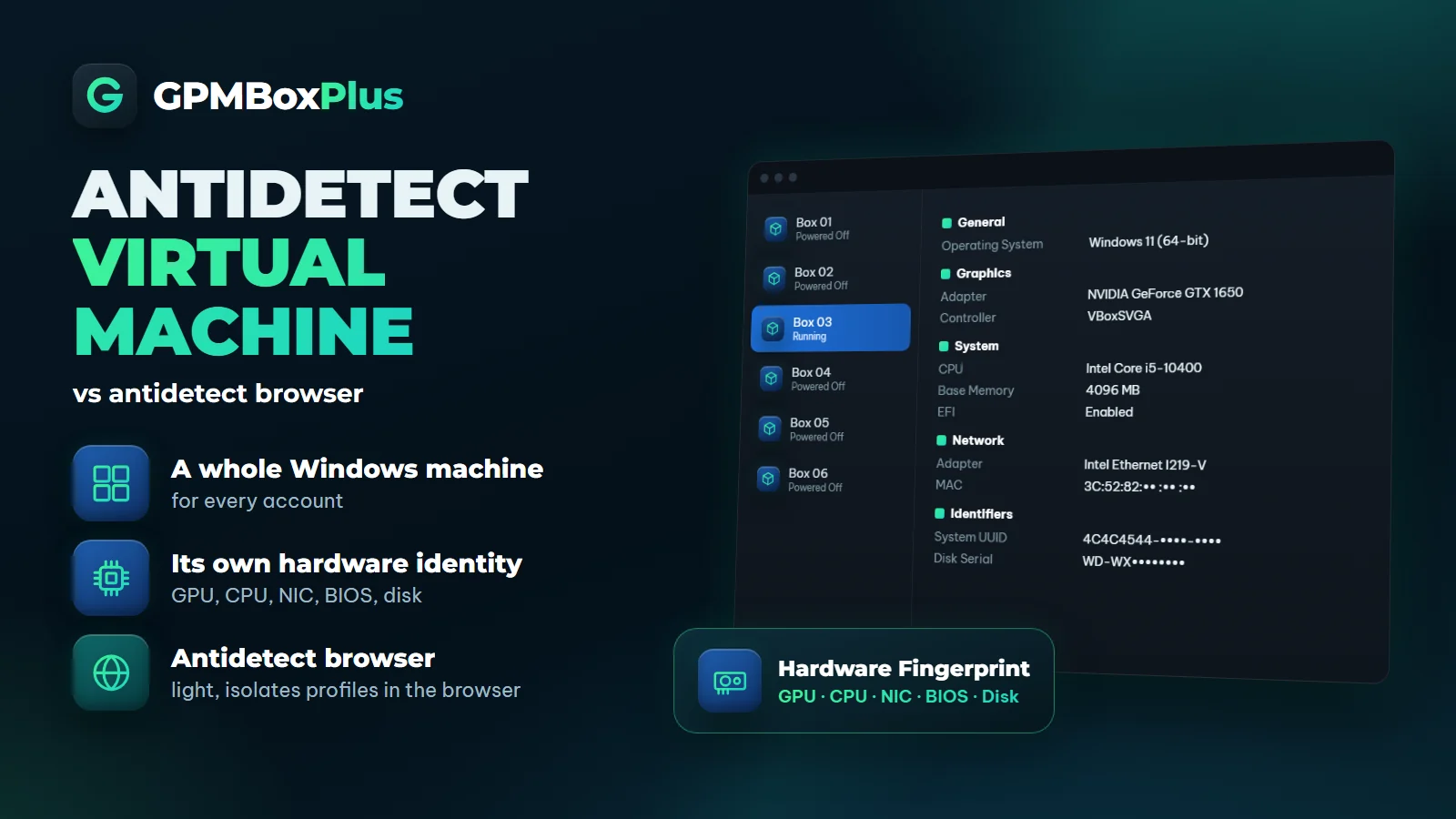
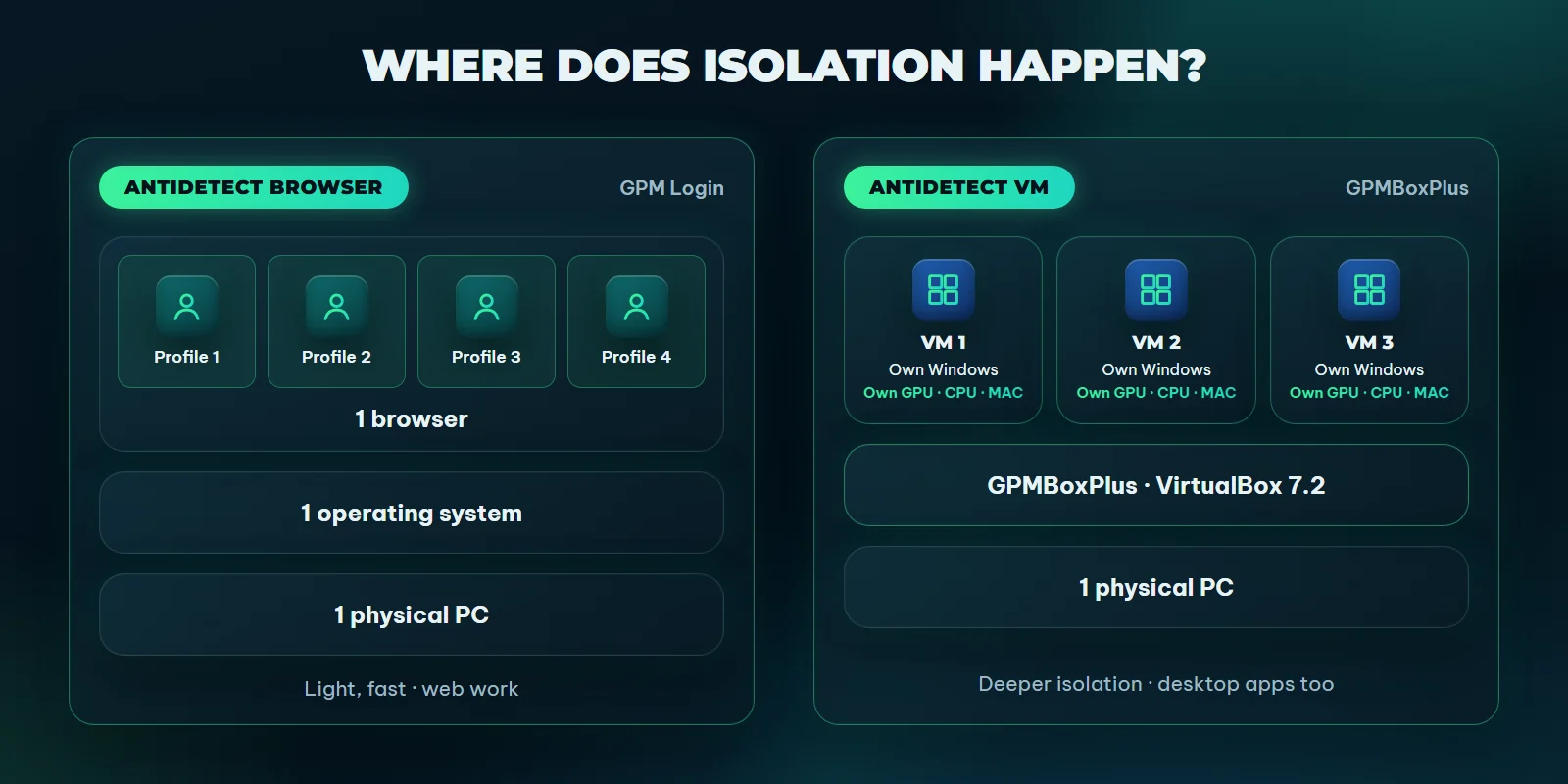
An antidetect virtual machine is a separate Windows VM for each account, with its own set of hardware identifiers. An antidetect browser only separates profiles inside the browser. One isolates at the operating-system level, the other at the browser level, and neither replaces the other.
After managing multiple accounts for a while you will ask yourself: should I stick with an antidetect browser, or move to virtual machines? The answer is not about which one is better. It depends on what you do every day and what hardware you have. This article walks through both, covers the parameter contradictions that anti-fraud systems love to catch, and suggests who should use which.
Quick summary
Antidetect browser (for example GPM Login): light, opens many profiles on one machine, suits work that lives on the web.
Antidetect VM (for example GPMBoxPlus): one Windows machine per account, any Chrome or Firefox version you like, and it can run desktop software, even idle games.
What anti-fraud systems catch is rarely one odd parameter; it is parameters that contradict each other.
Both offer a trial and then charge a fee; neither is completely free.
Table of contents
Contradictions between parameters: what anti-fraud systems like to catch
Should you choose an antidetect VM or an antidetect browser?
Trade-offs of an antidetect VM: what to know before installing
Getting started with an antidetect browser or an antidetect VM
What is an antidetect browser and what does it do?
An antidetect browser lets you create separate profiles, each with its own cookies, storage and browser parameters, so your accounts have nothing to do with each other.
What gets separated is whatever a website can read from the browser: user agent, language, time zone, screen size, Canvas and WebGL output. Each profile usually comes with its own proxy so the IP differs too.
GPM Login is one such browser. It has Chromium and Firefox cores, a 64-bit browser, and a script store for no-code automation. Because it runs directly on your own machine it is very light, and a mid-range PC can keep many profiles open at once. You try it first, and pay once the trial ends.
The trade-off is that it only handles the browser. Desktop software is out of its reach, and the Chrome or Firefox version you use is the one that ships with the core the vendor updates.
What is an antidetect virtual machine and how does it work?
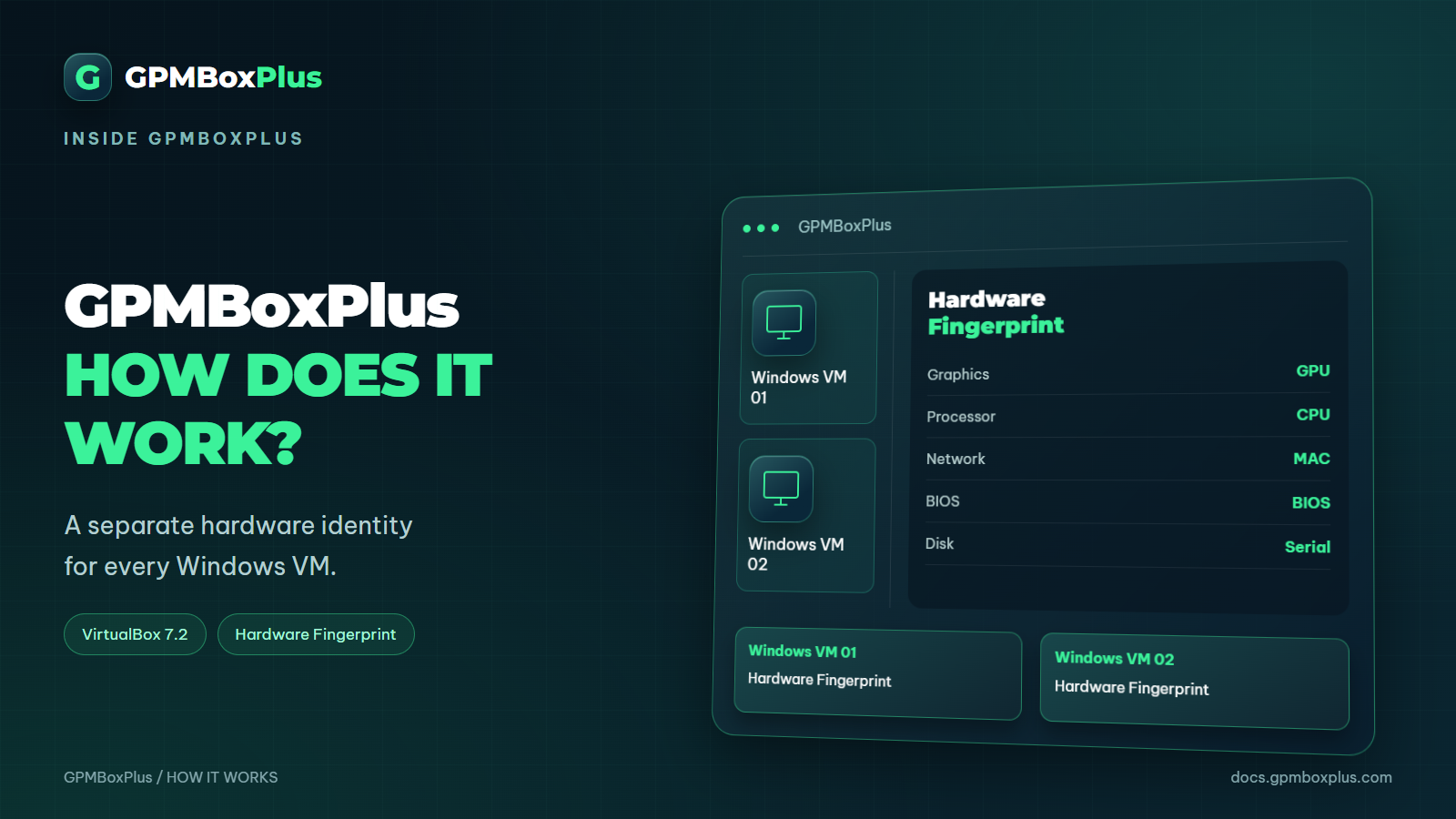
An antidetect virtual machine runs each account in its own Windows VM and changes the virtual hardware identifiers when the machine is created, rather than only adjusting the browser layer.
With GPMBoxPlus, each VM gets an automatically generated set of identifiers covering the graphics card, CPU, network card, BIOS, motherboard, disk and more. Windows installs by itself, and a script sets up drivers, a browser and a few common tools. The underlying software is VirtualBox 7.2, customised by GPM Software Solutions.
Since it is a real Windows machine, you can install whatever you want. Need a particular Chrome or Firefox version? Download and install it as usual; there is no waiting for a vendor to ship a new core. Need desktop software, or even an idle desktop game? That works too.
The graphics card is the part people misread most. Open Device Manager inside the VM and you will see a specific card name, for example GTX 1650, and websites read that same name. The actual VRAM the VM gets is only 256 MB, so graphics power is comparable to integrated graphics. Web work, office tasks and light idle games are fine; heavy games are not what it is for.
To route the whole VM through a proxy, use the bundled GPM Proxy Tunnel: all traffic goes through the proxy, and if the proxy dies the VM loses its connection instead of leaking your real IP.
Antidetect virtual machine vs antidetect browser compared
The biggest differences are isolation scope and resource cost: a browser isolates at the browser layer for little cost, a VM isolates the whole operating system for more.
Criterion | Antidetect browser (GPM Login) | Antidetect VM (GPMBoxPlus) |
|---|---|---|
Isolation scope | Inside the browser | A whole Windows machine |
Desktop software | Cannot run it | Install and run it inside the VM |
Chrome / Firefox version | Follows the product's core | Install any version |
Resources | Light, many profiles per machine | Each Windows VM defaults to 4 GB RAM and needs roughly 20–40 GB of disk |
Creating a new one | Almost instant | Windows must install for every VM |
Initial setup | Installs like ordinary software | Secure Boot off and Test Signing Mode on |
Automation | No-code script store | Run tools in the VM as on a normal Windows PC |
Cost | Trial, then paid | Trial, then paid |
Contradictions between parameters: what anti-fraud systems like to catch
Anti-fraud systems rarely catch one odd parameter; they catch parameters that argue with each other. Keeping them consistent matters more than changing a lot of things.
Typical contradictions: the browser says Windows but the font set looks like another machine; the IP is in one country while the time zone and language belong to another; or each parameter is randomised in its own way and the result is a combination no real machine has. Even the noise added to Canvas can be the thing that gives you away.
With GPM Login, the approach is to make the parameters inside one profile agree with each other like a real device, instead of patching values one by one, together with a 64-bit browser. This is where the product puts most of its effort. For other antidetect browsers it is hard to say; it depends on the product and the version, so whichever you use, check it on fingerprint test pages before real work.
With GPMBoxPlus, the hardware identifiers are generated when the VM is created, and the font set, the operating system language and system-generated messages already live in the Windows inside the VM, so nothing needs patching. One note from the documentation: the noise canvas option can only be chosen at creation and may make a machine easier to spot, so test it first.
Of course IP, account history and how you behave also count. Use these tools for legitimate purposes and follow each platform's terms.
Should you choose an antidetect VM or an antidetect browser?
If the work is on the web and needs many profiles, choose an antidetect browser; if you need a separate Windows machine, desktop software or your own browser version, choose an antidetect VM.
If you sell on e-commerce marketplaces, run ads or social media, do affiliate work or run an agency, meaning the work lives almost entirely on the web, start with an antidetect browser such as GPM Login. A mid-range machine is enough, profiles are created fast, and automation scripts are ready to use.
If you need a separate Windows machine per account or per client, need to run desktop software, want to pick your own Chrome or Firefox version, or need to leave a desktop game running, GPMBoxPlus fits better. The price is a stronger machine, ideally 8 GB of RAM or more.
Plenty of people use both: GPM Login for most of the web work, GPMBoxPlus for the part that needs its own machine. The two products do not compete; they serve different kinds of work.
Trade-offs of an antidetect VM: what to know before installing
The hard part of a VM is setup: you have to change some Windows security settings, and the machine needs to be strong enough.
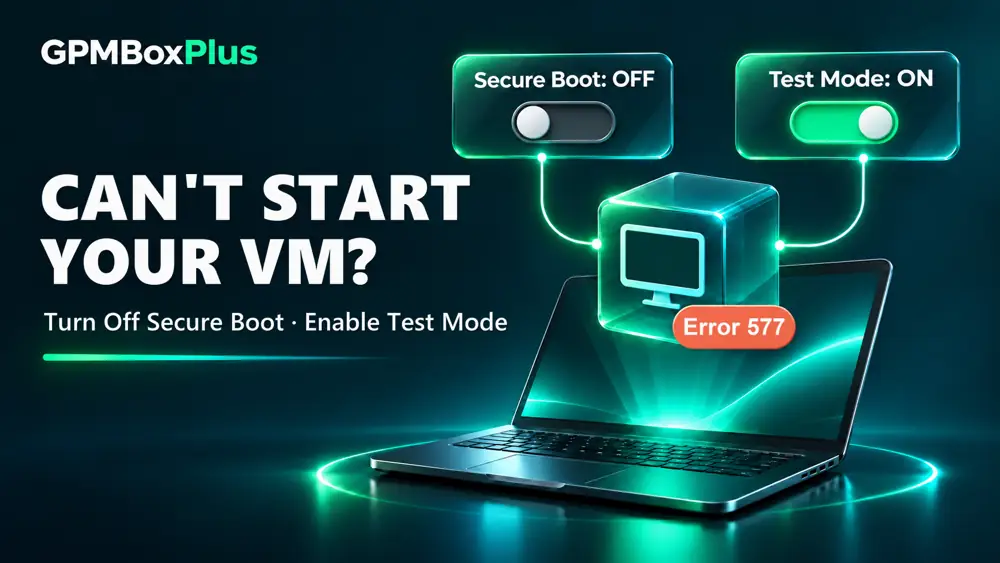
According to the documentation, the driver on the physical machine is not yet signed by Microsoft, so it uses GPM's test certificate. That means turning off Secure Boot, turning on Test Signing Mode and installing GPM's certificate. The documentation states plainly that this lowers one layer of Windows protection, so only install software from sources you trust.
64-bit Windows 10/11 and a CPU with VT-x or AMD-V enabled. 32-bit Windows, ARM64 machines and machines locked by App Control policies will not work.
At least 4 GB of RAM, ideally 8 GB or more, and 20 GB or more of free disk.
A trial is available; after that you need a paid license tied to the physical machine's hardware. Without activation you can create VMs but they will not start.
Do not install alongside VirtualBox, an older GPMBox or any other VM software that uses the same kind of driver.
If the system drive uses BitLocker, save your recovery key before changing any setting.
Getting started with an antidetect browser or an antidetect VM
GPM Login can be downloaded and tried straight away; GPMBoxPlus needs the checker, a prepared Windows, installation and activation before you create a VM.
For GPM Login, download it and try it from the GPM Login home page.
For GPMBoxPlus, follow 4 steps:
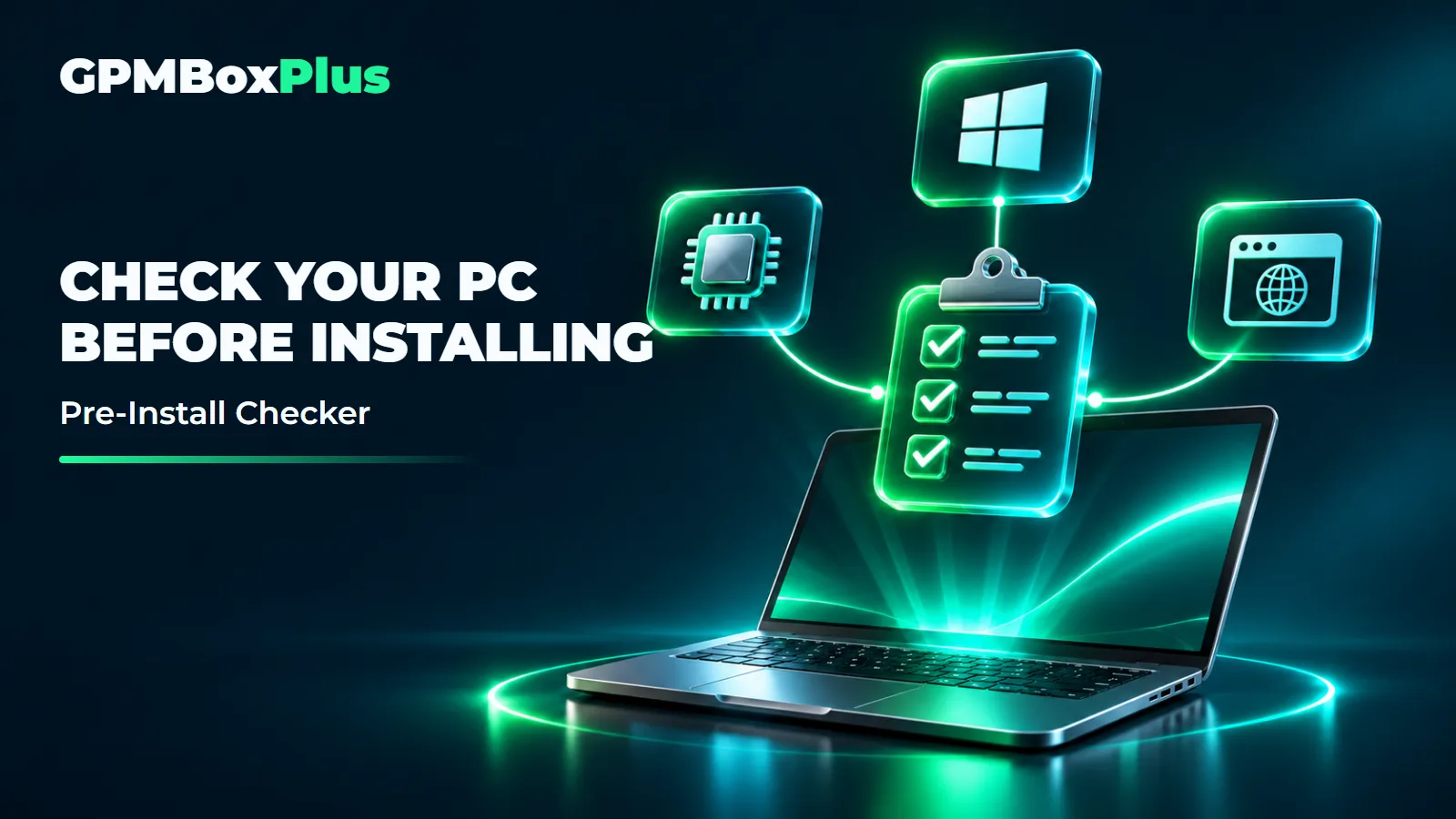
Run GPMBoxPlusChecker.exe to check 16 conditions and fix anything marked red (usually Secure Boot).
Turn off Secure Boot, turn on Test Signing Mode, install GPM's certificate and restart.
Install GPMBoxPlus and enter your license key under Help → Active License.
Create a VM: pick an original Windows ISO, keep unattended installation on, adjust the Hardware Fingerprint if needed, click Finish and wait for Windows to install.
Every step is covered in the GPMBoxPlus documentation, and upcoming posts on this blog go deeper into each one.
Conclusion
An antidetect browser and an antidetect VM do not exclude each other. GPM Login is light and quick for web work at scale; GPMBoxPlus is for when you need your own Windows machine, freedom to install what you like and deeper isolation. Start from what you do every day, check it against your hardware, then pick one or both.
Pick the tool that fits your work
Read the GPMBoxPlus installation guide, or download GPM Login and try it.
Frequently Asked Questions
What is an antidetect virtual machine and how does it differ from an antidetect browser?
An antidetect VM runs each environment in its own virtual Windows machine and can run desktop software. An antidetect browser only separates profiles inside the browser; it is light and suits web work. For example, GPM Login is an antidetect browser and GPMBoxPlus is an antidetect VM; the two complement each other.
Which one should I start with?
If your work is on the web, start with GPM Login. If you need a separate Windows machine, desktop software or your own Chrome or Firefox version, try GPMBoxPlus.
Do GPM Login and GPMBoxPlus have a free version?
No fully free version. Both offer a trial, and you pay once the trial ends.
Does GPMBoxPlus run on Mac or Linux?
According to the documentation, GPMBoxPlus supports only 64-bit Windows 10/11. ARM64 machines (such as Apple Silicon or Snapdragon) and 32-bit Windows are not supported.
Why must Secure Boot be turned off for GPMBoxPlus?
The GPMBoxPlus driver is not yet signed by Microsoft, so it uses GPM's test certificate. With Secure Boot on, Windows blocks the driver and the VM shows the error VERR_VM_DRIVER_NOT_INSTALLED.
How many VMs can one PC run at once?
It depends on your RAM and disk. Each Windows VM defaults to 4 GB of RAM and needs roughly 20–40 GB of disk. The documentation does not state a hard limit on the number of VMs.
About the author
Cảnh Đức — GPMBoxPlus · GPM Softwares
Updated: 2026-11-06